Publish & protect
Film composition and destination memories
Compose readable travel films with aspect-preserving photos, clear map framing, restrained colors and animated destination information cards.
On this page
Show the complete photograph
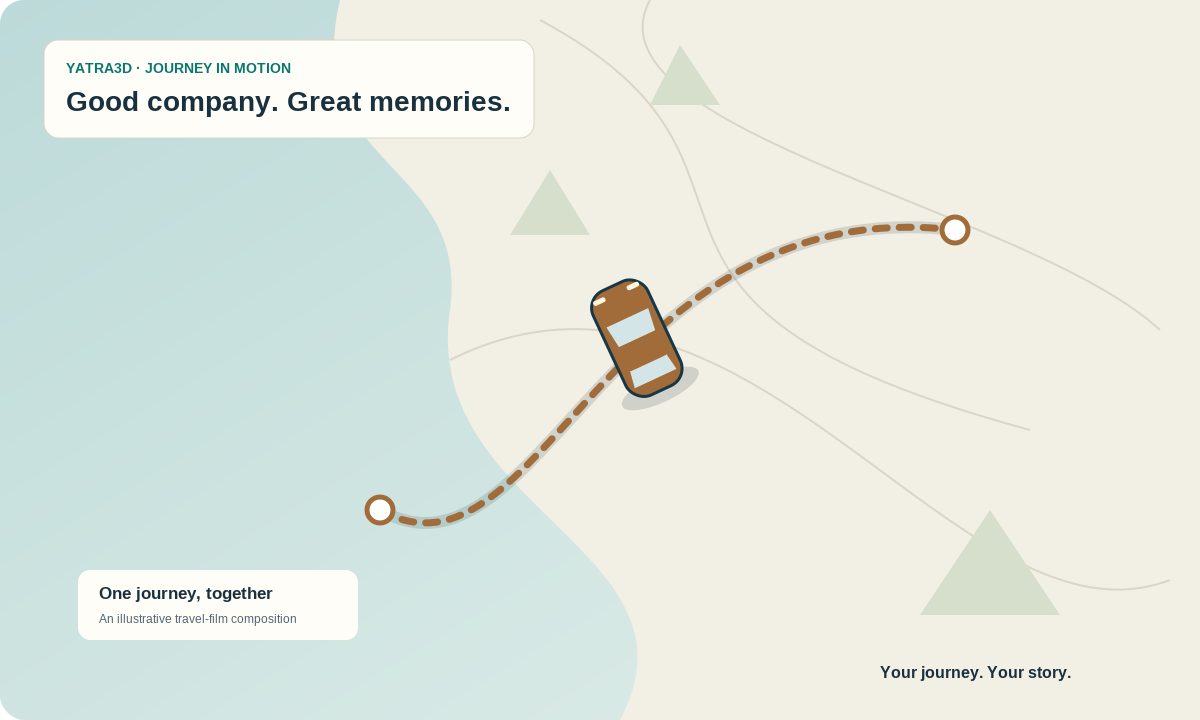
Set the format in preview
Choose 16:9 for a landscape film, 9:16 for a vertical story, or 1:1 for a square composition. Export inherits this choice. Vehicle size and route colors also come from the project; you do not configure them a second time.
Add and organize photo memories
Choose the photo icon on a stop to attach images directly. For a mixed batch, use Auto-match photos or drop the files onto the Stops panel to match them using EXIF GPS. Check the assignments before exporting.
Readable recap cards and camera styles
Multi-stop films open with a three-second route trace and use large place names with a stop count. Choose Orbit Cam, Chase Cam, Side View or Overview in the Camera style selector. For a caption such as Postcards from Jaipur, expand the stop and open Film storytelling.
Traveller identity stays in boarding cards rather than floating separately above a vehicle. A simple onboard count keeps the journey header compact.
Pace the recap
- Use short destination names and a small set of memorable photos.
- Allow enough stop time for boarding and memories.
- Keep route and vehicle colors distinct from the map.
- Review the film at its intended phone or desktop size before publishing.